
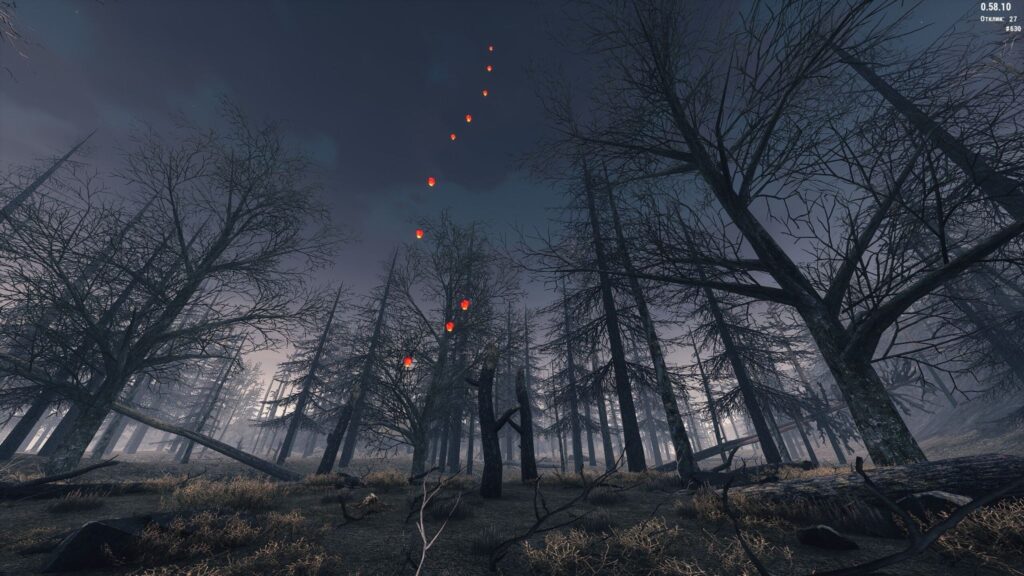
You can access the Dead forest location at any character level. The transition to it is located in the Big Village. The location itself also has an exit to another territory – the Coast.
The Dead forest is quite poor in content: fire spiders, cave spiders, beetles, and rats inhabit here. However, the location is perfect for leveling a character from level 8 to 20.
In addition, it is convenient for farming resources needed to craft chitin armor, which can be crafted at level 20. Therefore, if you chose this location for leveling, keep all the collected materials – they will still be useful to you.
Besides, the location has a Generator. If you fuel it with dirty gasoline, a small event for Prank is activated. Keep in mind: it is impossible to complete it alone, so gather a group in advance.
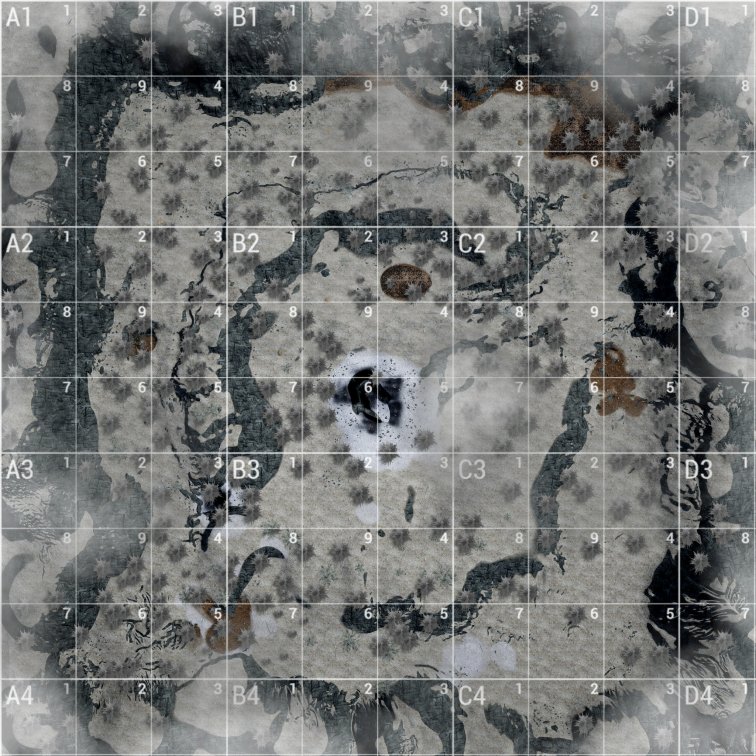
Map with key location points
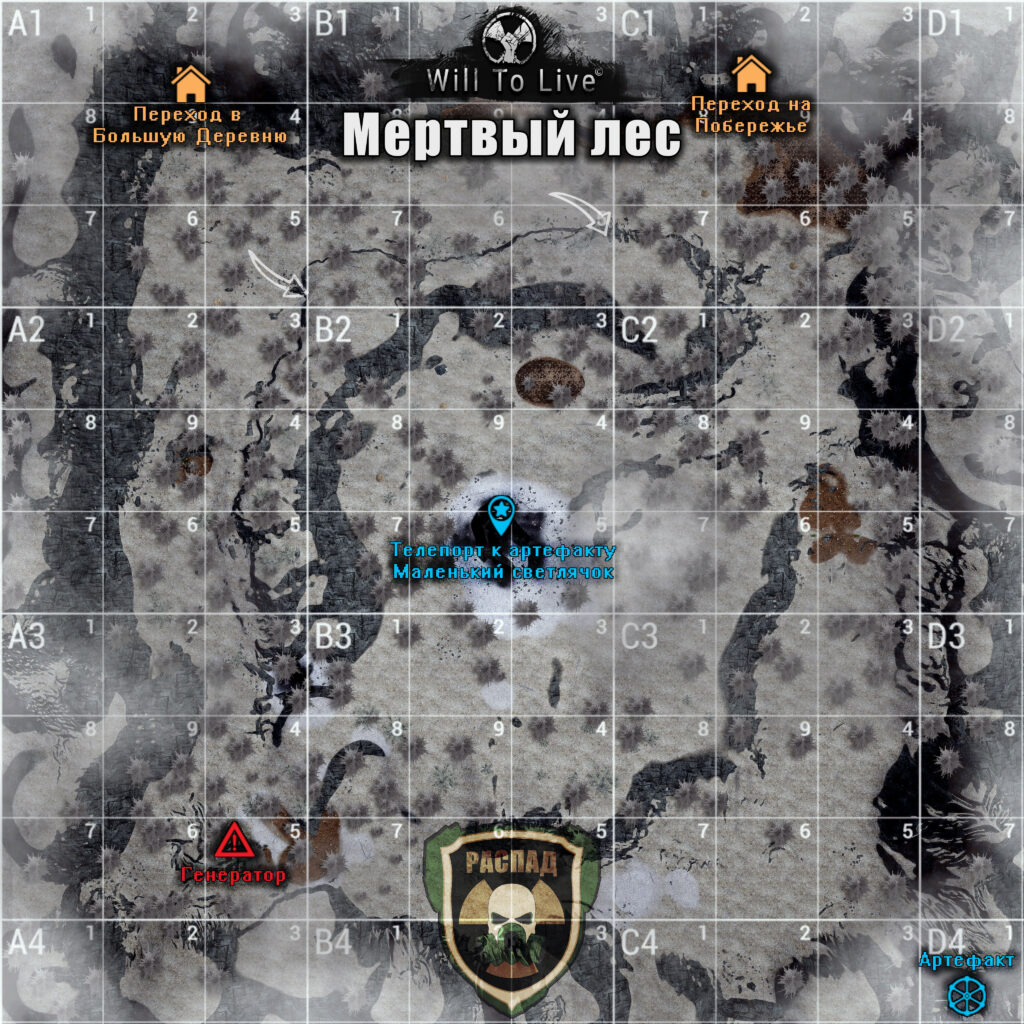
This map shows:
- Transitions to other locations;
- Radio teleport to the cave with the “Little Firefly” artifact;
- Location of the Generator to start the event with Prank.
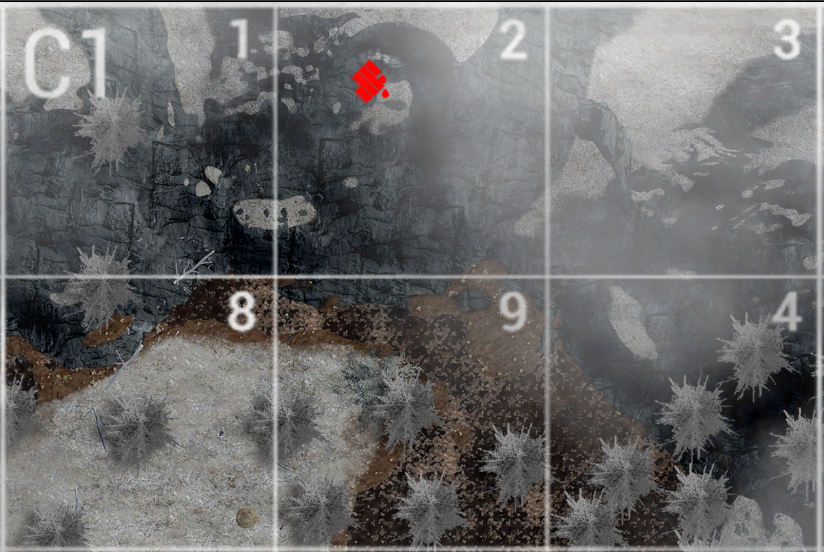
The map below shows:
- the location of gasoline barrels (red markers).

Ready-made map markers file (MapMarkers)
We have prepared an up-to-date file with the most important map markers. After installation, you will get ready-made marks for quest points, mob spawn locations, fuel collection points, transitions, radio teleports, artifacts, and other useful objects. We tried to fit as much information as possible within the available limit — 100 markers per location.
This file will be useful for beginners who want to get comfortable in the game faster, as well as for experienced players (especially those playing multiple characters) so they don't have to place all the markers manually.
Enjoy the game!