
In-Game Equipment
The game features a variety of auxiliary devices and gadgets. Since they all serve different purposes and are used in different ways, we’ve conditionally divided them into several groups.
Equipment can be bought from NPC shops, obtained through Quests, received as a reward for in-game events, or Crafted yourself (we’ll specify the acquisition methods for each item separately).
Most devices require a certain character level and stats. There is also class-specific (restricted to a specific class) and faction equipment (unavailable to neutrals).
Tools
Items required for gathering resources. Can be used by all players starting from level 1:
Tactical Gear (Consumables)
Single-use items:
Auxiliary Devices
Devices for specific tasks. Unlike other equipment, they don’t go into quick-access slots, but into special slots in the character’s equipment panel:
Equipment
Additional devices available to both neutrals and faction players:
Engineer’s Specialized Equipment
This is highly complex tech that can only be used by the Engineer class:
MTL-1
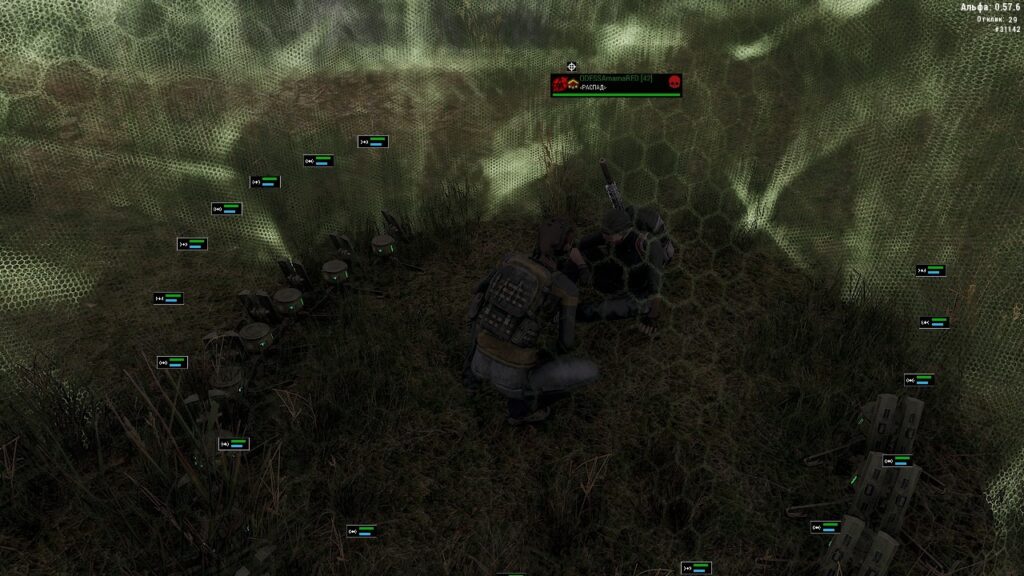
MTL-1 is a portable device that restores HP to players within its area of effect (under the dome). It can only be deployed by an Engineer.
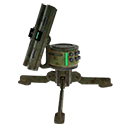
Who can use the MTL-1:
- If placed by a solo player:
- Only they can use the MTL.
- However, if the solo player is in a group, all group members (including neutrals and faction players) can benefit from it.
- If placed by a faction player:
- Only players of the same faction in the group can use the MTL.
- Even if the Engineer invites a neutral or an opposing faction player to the group, they won’t get access to the MTL.
Who can destroy the MTL:
- Rain, if the equipment was placed outdoors (it degrades quickly).
- The Engineer who placed it can accidentally damage it — be careful when recharging or shooting nearby.
- If the MTL was placed by a neutral, any player can destroy it:
- A neutral — only with PvP mode enabled.
- A faction player — even without PvP.
- If the MTL was placed by a faction player, it can be destroyed by:
- A neutral — only with PvP enabled.
- An opposing faction player.
- Same-faction allies cannot deal damage to the device.
Operation and charging:
- The effects of multiple MTLs stack: if you place several devices close together, the character’s healing rate will be higher.
- The MTL discharges:
- With every player revival.
- Gradually over time, even when not in use.
- Charged using an A2 Battery:
- Can be charged in your inventory or while already placed.
- Any Engineer (even from an opposing faction) can recharge placed equipment.
MTL and Faction Wars:
- An Engineer using a Recon Drone can highlight enemy MTLs for their group members, which also grants faction points.
- Destroying enemy equipment counts towards clan quest objectives.
MTV-1 and MTV-M1
MTV-1 is a portable revival device (res), which can only be deployed by an Engineer.
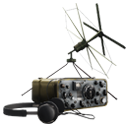
Who can use the MTV-1:
- If placed by a solo player:
- Only they can use the MTV.
- However, if the solo player is in a group, all group members (including neutrals and faction players) can benefit from it.
- If placed by a faction player:
- Only players of the same faction can use the MTV, regardless of the group.
- Even if the Engineer invites a neutral or an opposing faction player to the group, they won’t get access to the MTV.
Who can destroy the MTV:
- The Engineer who placed it can accidentally damage it — be careful when recharging or shooting nearby.
- If the MTV was placed by a neutral, any player can destroy it:
- A neutral — only with PvP mode enabled.
- A faction player — even without PvP.
- If the MTV was placed by a faction player, it can be destroyed by:
- A neutral — only with PvP enabled.
- An opposing faction player.
- Same-faction allies cannot deal damage to the device.
Operation and charging:
- The MTV discharges:
- With every player revival.
- Gradually over time, even when not in use (lasts about 1 hour of real time).
- Charged using an A2 Battery:
- Can be charged in your inventory or while already placed.
- Any Engineer (even from an opposing faction) can recharge placed equipment.
Upgraded version — MTV-M1:
- Obtained by completing a daily quest from the Doctor in the Tunnels or bought from other players.
- Features:
- Increased range.
- Longer operational time (higher capacity charge).
Range:
- MTV-1 — up to 200 meters (2 map squares)
- MTV-M1 — up to 400 meters
Additional info:
- If you bind to an MTV and then relog or change locations, you need to bind again.
- The Engineer gets a notification if their MTV is depleted or destroyed.
- A neutral Engineer must first gather people into a group before placing the res, otherwise it might not work for them.
- MTVs override each other (you are saved to the last res you bound to, not the first one).
MTV and Faction Wars:
- If an MTV is placed in an active warzone, the Engineer who placed it receives extra faction points after the battle ends — provided many allies were revived through it (faction support).
- Destroying an enemy MTV also yields faction points when the war concludes.
- An Engineer using a Recon Drone can highlight enemy MTVs for their group members, which also grants faction points.
- Destroying enemy equipment counts towards clan quest objectives.
I-HR and I-SAAC
I-HR (Healing Pistol) and I-SAAC (Repair Pistol) are special Engineer devices.
Acquisition:
- Both pistols are rewarded through a quest chain from Viktor Petrovich (Tunnels location). The chain starts in Sosnovka (side quests).
- I-HR: can be Crafted once a day;
- I-SAAC: Crafted via quest only once.
The quest is available to any class, but only an Engineer with 7 Intelligence can use the devices.
- Also drop from Adventure #1.
Charging:
- Both pistols run on an NDP Battery. To charge, simply drag the battery onto the pistol in your inventory.
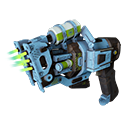
I-HR (Healing Pistol) — allows you to heal other players by simply aiming the beam at the target.
Healing restrictions:
- a neutral can only heal other neutrals;
- a neutral can heal a faction player only with PvP enabled;
- a faction player can only heal same-faction allies;
- healing an opposing faction doesn’t restore their HP but lowers your faction reputation (-0.4 points per tick).
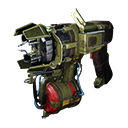
I-SAAC (Repair Pistol) — used to repair various equipment.
Repair methods:
- On-site (stationary equipment only):
- place the equipment (MTV, MTL, decoy, shield suppressor) and aim the pistol beam at the object;
- repairing a recon drone requires 2 players: one launches the drone, the other repairs it (note that this on-site repair restores the drone to a maximum of 80% durability).
- Via inventory (any equipment):
- drag the pistol onto the desired item, or right-click → Use → select the object. This way you can restore any equipment to 100% (including the drone, radio, target designator, etc.).
Additionally, the pistol can be used as a weapon — it deals damage to players.
- Dealing damage to allies reduces faction reputation (-0.4 points per tick), even if the target is “blue” (friendly).
- Damage ignores armor and body parts — it’s always a fixed amount.
- Damage values are unique for each player (the pattern is unknown):
Radio Bomb “Lopukh”
Placement
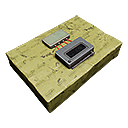
To place the bomb, you need to hold it in your hands and attach it to any surface. It can be placed on walls or ceilings — on any plane.
- In regular locations, you can place up to 10 bombs.
- In PvP locations — up to 5 bombs.
- If you use both “Lopukh” and MON-50 mines, their quantities stack. The total limit is 5/10 bombs per location, regardless of type.
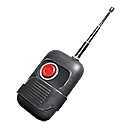
After placement, you must hold the remote detonator — without it, the bombs won’t detonate. When the detonator is activated, all placed “Lopukhs” on the location will explode simultaneously.
Additional features:
- Bombs are immune to weapon damage and other explosions — they cannot be destroyed. The only way to neutralize them is manual defusal.
- They do not deal friendly fire damage upon explosion.
- The back of the placed bomb displays the nickname and faction of the player who placed it.
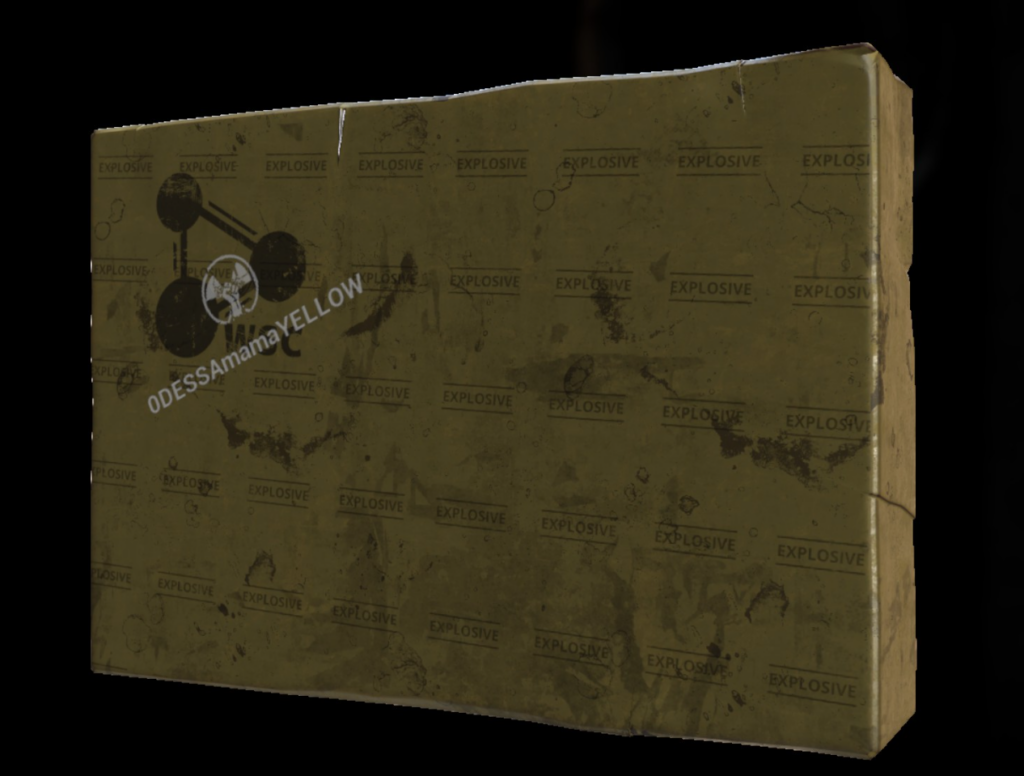
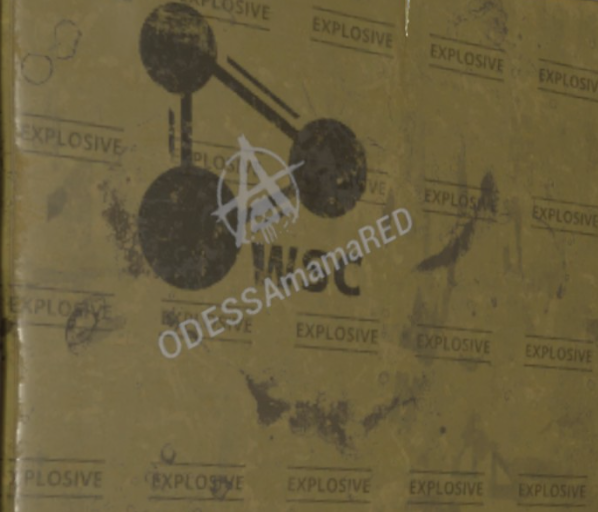
Defusal
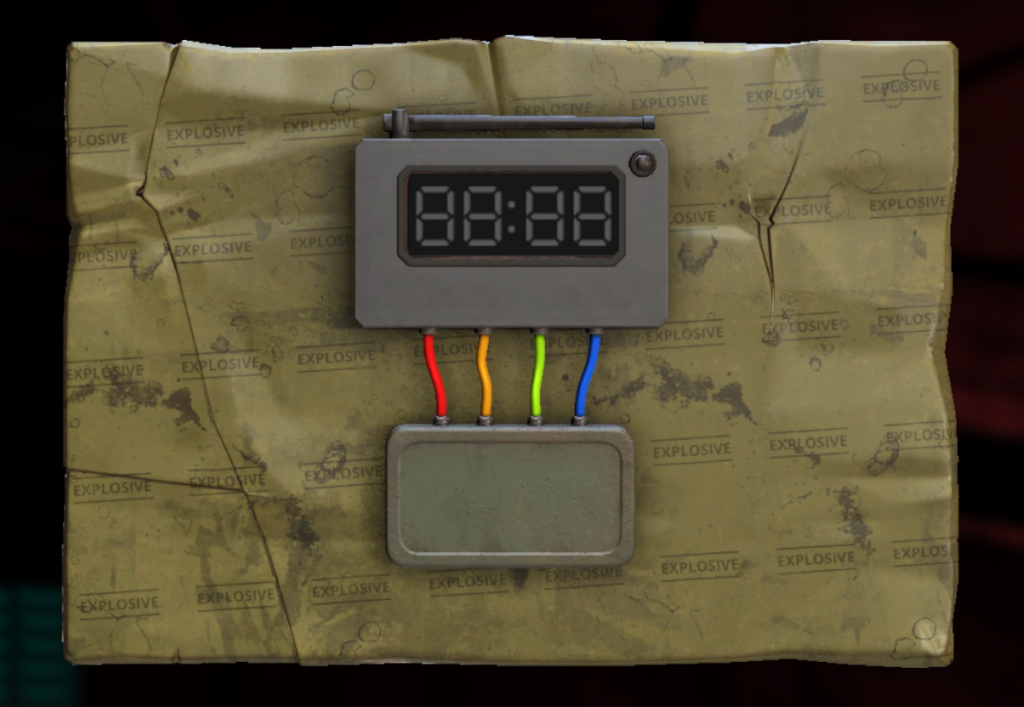
Any player can defuse a “Lopukh” radio bomb. The main requirement is having wire cutters in your inventory.
To defuse, you must cut the wires in a strictly specific sequence. If successful, the “Lopukh” goes into your inventory. If you make a mistake, it will explode.
Correct wire cutting sequence (by color): red → yellow → green → blue
Faction Equipment
Items that can only be bought and used by faction members (unavailable to neutrals):
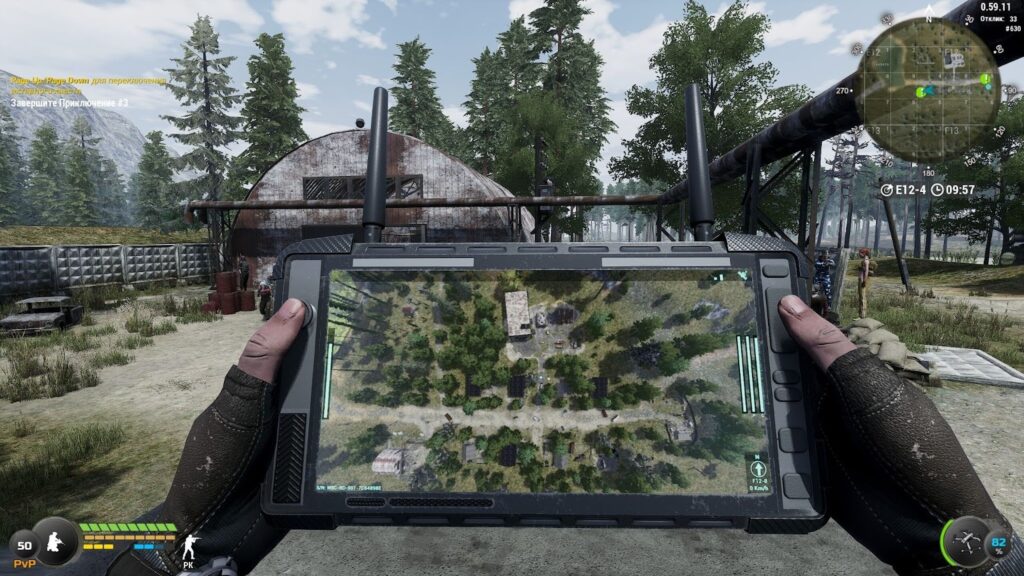
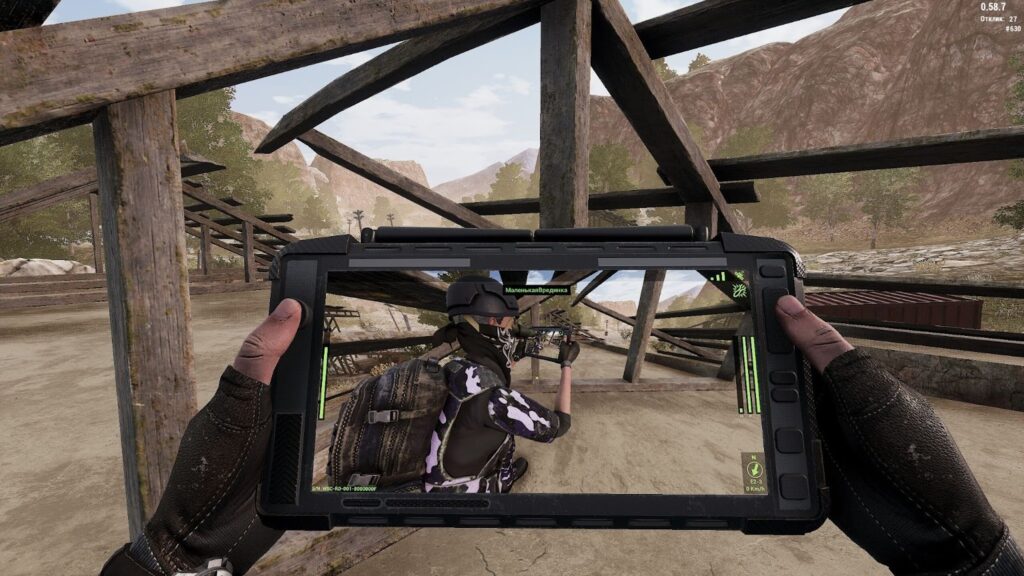
Recon Drone
Mortar
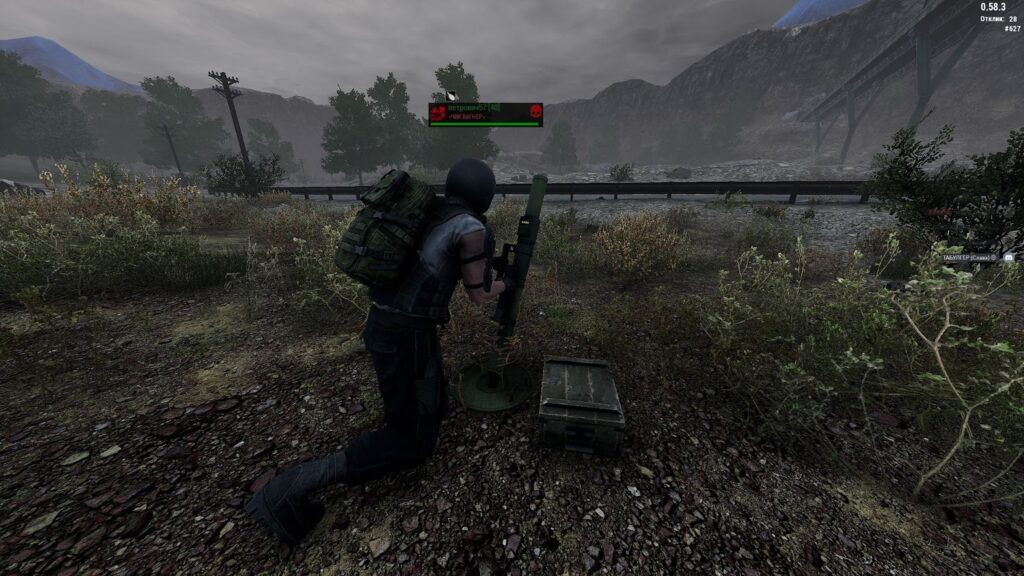
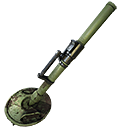
Mortar is stationary equipment (not counted as a weapon).
Acquisition and use:
- Can only be purchased by a clan leader or deputy if the “Faction Arsenal 2” perk is unlocked.
- All members of the clan can use it: class doesn’t matter, only 7 Strength is required.
Operation features:
- Shell flight range: 100 m — 1 km.
- Do not use indoors (under a roof or in a cave) — the mortar will be destroyed.
- Can be destroyed by opposing faction players.
- Any player can reload/extract ammo and use it.
- Picking up the mortar is only possible for a player in the same group as the owner (clanmates cannot pick it up).
- When returning the mortar to your inventory, all unused shells are dropped on the ground.
How to use:
- Placement:
- Place the mortar at the chosen position.
- Loading:
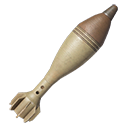
- Click “Open ammo box” and load up to 5 shells into the mortar.
- Aiming and firing:
- Click “Use”.
- Aiming: mouse left/right — change the angle; mouse scroll wheel — adjust the flight range.
- Charge the mortar like a regular weapon.
- Fire — LMB.
- If necessary: reload, adjust target coordinates, and fire again.
- Reloading ammo:
- To reload shells yourself, stop interacting with the mortar and repeat steps 2-3.
- If you have a buddy, they can reload shells while you continue firing.
- Finishing up:
- After firing, don’t forget to pick up the mortar.
Determining target coordinates:
- Install the “Navigation” PDA module.
- Open the map and click the button with the ruler that appears.
- Set the points:
- First point — your location (where you will shoot from).
- Second point — the target location.
- The arrow will show the degrees and distance you need to use for firing.
Machine Gun (PKM)

Stationary machine guns can be found in several places in the game:
- Faction bases
- Several machine guns are placed in Solnechny town and Camp.
- They only become available during anomalous activity.
- Each machine gun is pre-loaded: 1,200 rounds, no reloading required.
- Canyon and Foothills
- In the Canyon location, machine guns are installed inside buildings.
- In the Foothills — they are located near the main base.
- These machine guns are always active, even outside the war period.
- They start unloaded and need to be loaded manually.
- Adventure #3
- Several machine guns are installed in this zone at once.
- Each contains 5,000 rounds and is ready to use.
Leveling features:
- If you decide to level up the machine gun branch, note that:
- Faction machine guns (on bases) and machine guns in Adventure #3 are considered separate weapon types.
- Despite having the same appearance and stats, XP does not stack — they are leveled up separately.
Universal Equipment Usable by All Classes
Bamboo Fishing Rod

- Base price: 3,000
- Weight: 0.5 kg
- Level: –
- Intelligence: –
- Strength: –
Healing Grenade

- Base price: 250
- Weight: 0.2 kg
- Level: 13 lvl.
- Intelligence: –
- Strength: –
Defusal Grenade

- Base price: 500
- Weight: 0.25 kg
- Level: 16 lvl.
- Intelligence: –
- Strength: –
EMP Grenade

- Base price: 500
- Weight: 0.3 kg
- Level: 25 lvl.
- Intelligence: –
- Strength: –
Energy Shield

- Base price: 1,000
- Weight: 0.2 kg
- Level: 25 lvl.
- Intelligence: 6
- Strength: –
NDP Detector

- Base price: 5,000
- Weight: 0.2 kg
- Level: –
- Intelligence: –
- Strength: –
Dosimeter

- Base price: 5,000
- Weight: 0.15 kg
- Level: –
- Intelligence: –
- Strength: –
CCD

- Base price: 10,000
- Weight: 0.4 kg
- Level: –
- Intelligence: –
- Strength: –
Pharmacist-K

- Base price: 10,000
- Weight: 2 kg
- Level: –
- Intelligence: –
- Strength: –
Monocular

- Base price: 3,000
- Weight: 0.5 kg
- Level: –
- Intelligence: –
- Strength: –
Night Vision Device

- Base price: 20,000
- Weight: 0.5 kg
- Level: 5 lvl.
- Intelligence: 2
- Strength: –
Moped

- Base price: –
- Weight: –
- Level: 13 lvl.
- Intelligence: –
- Strength: –
Target Designator

- Base price: 10,000
- Weight: 0.2 kg
- Level: 16 lvl.
- Intelligence: –
- Strength: –
Radio

- Base price: 10,000
- Weight: 0.2 kg
- Level: 16 lvl.
- Intelligence: 4
- Strength: –
Recon Drone

- Base price: –
- Weight: 1.3 kg
- Level: 35 lvl.
- Intelligence: –
- Strength: –
Mortar

- Base price: 200,000
- Weight: 27 kg
- Level: 40 lvl.
- Intelligence: –
- Strength: 7