
Upon your first attempt to open a locked door, you will automatically receive a quest to craft lockpicks.
To craft lockpicks, you will need: pliers, long-nose pliers, and wire.


Pliers and long-nose pliers are reusable tools, so it is recommended to always keep at least one spare set in your stash. All necessary items can be found in the game world — they are randomly distributed across locations. Wire (a consumable material) is easiest to find in electrical panels, crates, and PC cases.
Lockpick Crafting Process:
- Place all necessary materials in your inventory.
- Open the character menu and click on the craft icon (an anvil image located under the token counter).
- First, you need to craft blanks, which are then used to make the lockpicks themselves.
Lockpicking Doors
Currently, there are two types of locks in the game that require picking. Methods for dealing with each are discussed below. Before starting, make sure you have lockpicks in your inventory and approach the door. Interaction triggers a mini-game where the goal is to find the correct combination. The difficulty depends on the number of pins in the lock (from 4 to 10).
Option 1: Mechanical Lock (Cutaway View)
This lock type displays the internal mechanism. Controls use the ‘A’ and ‘D’ keys (to switch between pins) and the ‘S’ key (to press the selected pin).
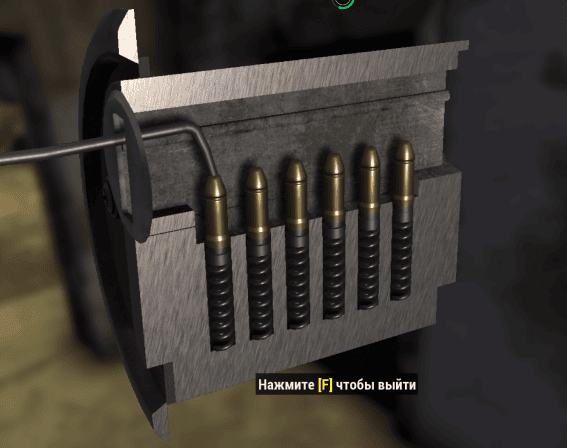
You need to press the pins sequentially so that they lock in the down position. Your task is to memorize and repeat the correct sequence of presses. If you make a mistake, the progress resets, and you will have to start picking again. The more pins in the lock, the harder the process, so it is recommended to write down the sequence (e.g., on a piece of paper or your phone). After a successful unlock, the combination resets: the next time you visit the same door, you will have to pick the sequence again.
Option 2: Ring Lock (Circular Menu)
In this lock type, the ‘A’ and ‘D’ keys are used for navigation, and the ‘W’ key is used to select a pin.
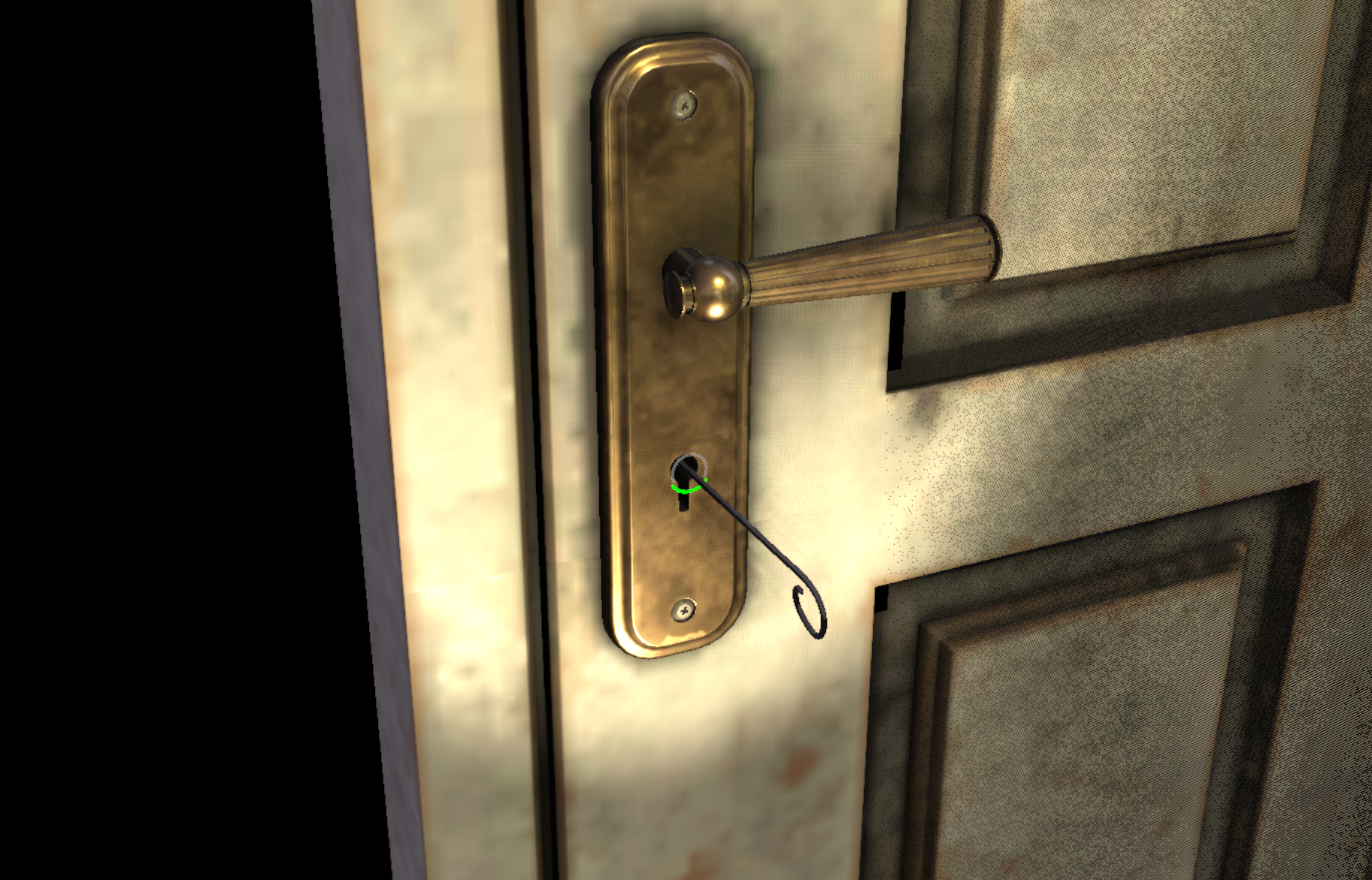
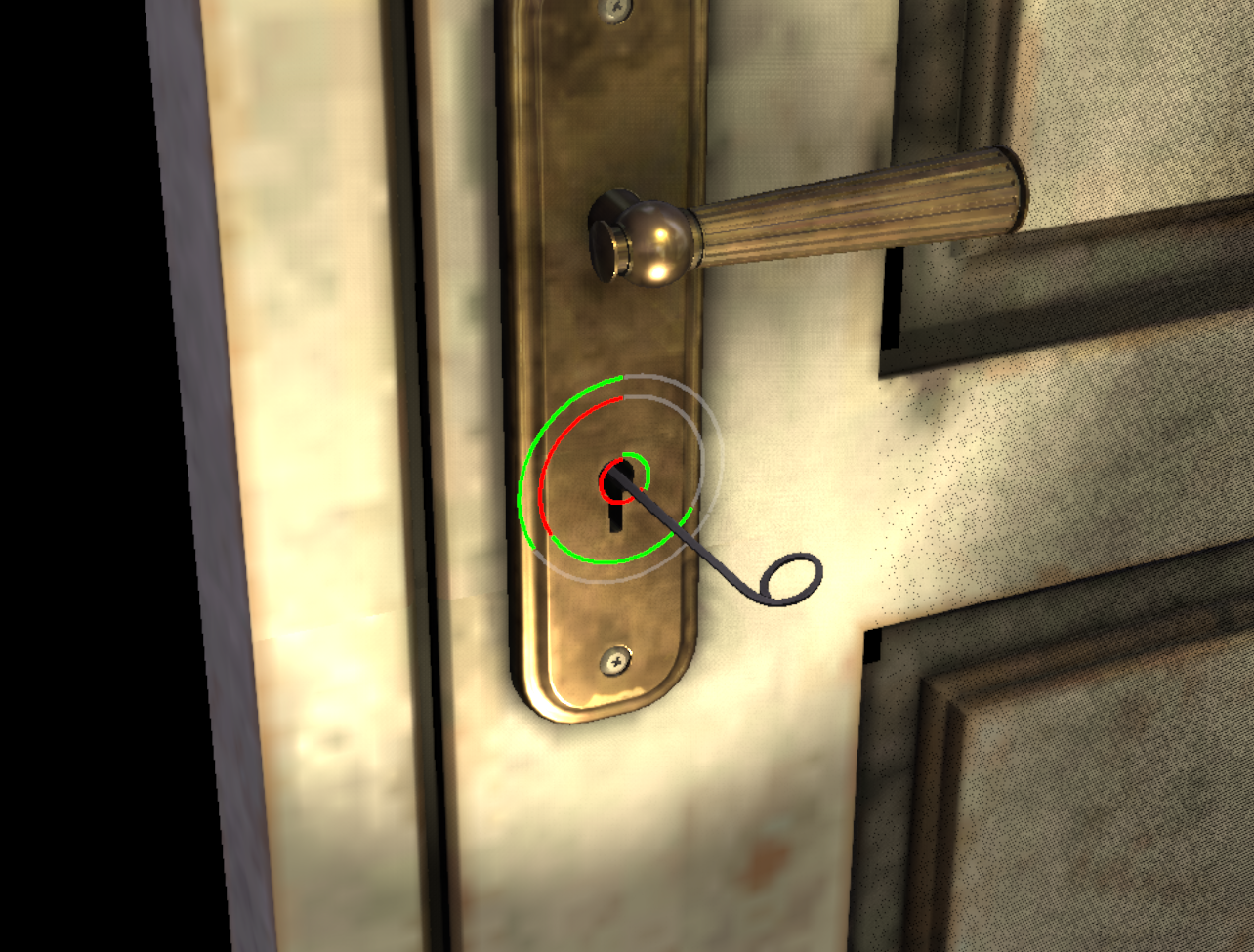
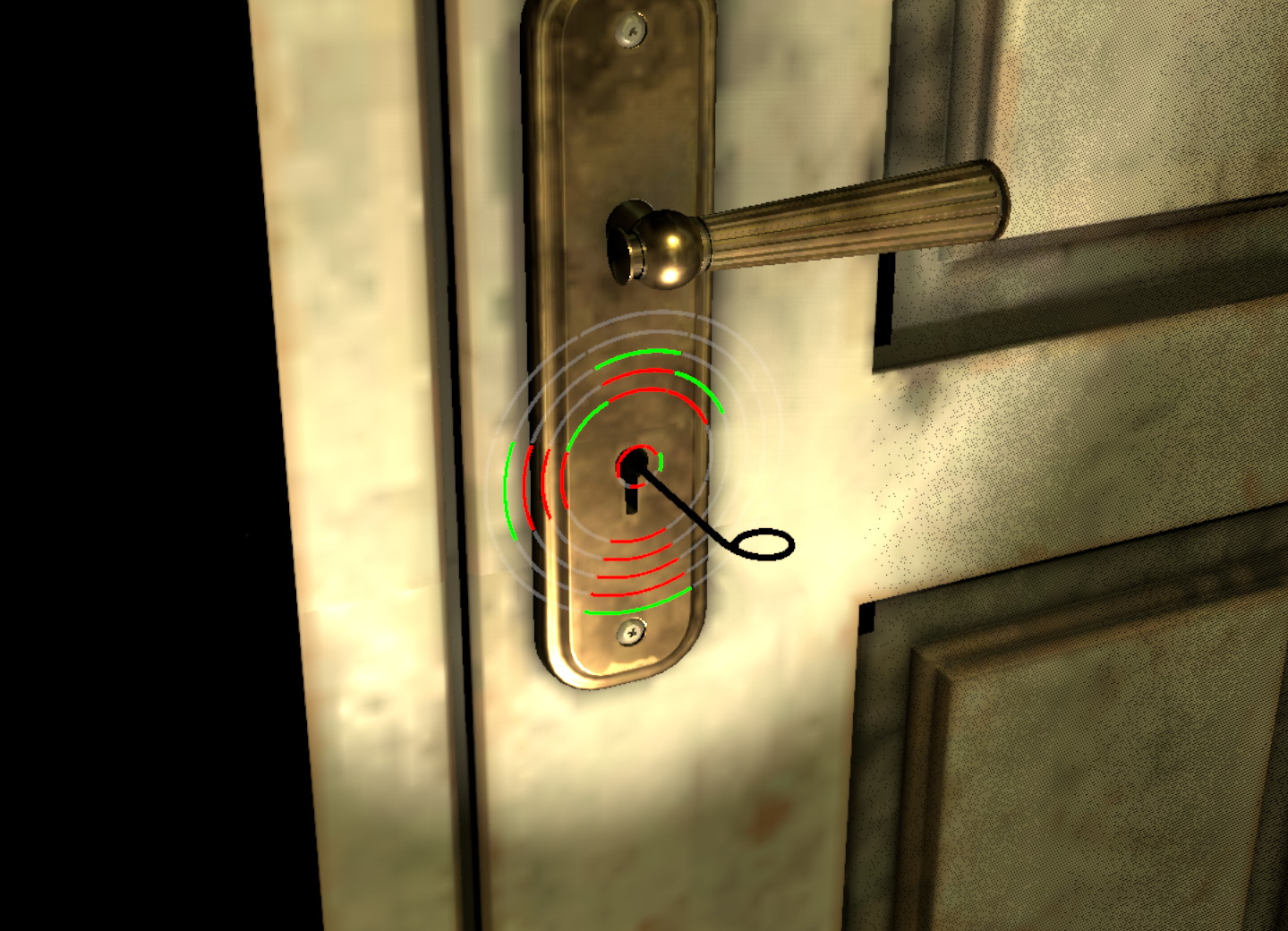
Here you also need to memorize the sequence, but the mechanics have an important difference: the same pin can be used in the combination multiple times. If in the first option a pressed pin was excluded from the process, here one sector may need to be pressed twice or more.
Rely on the color indication:
- Green color means the lockpicking stage was passed successfully.
- Red color signals that this pin should not be selected in the current step.
As in the first case, the combination is generated randomly with each new lockpicking attempt.
Loot Features Behind Locked Doors
Picking a door lock grants access to two types of loot:
- Shared loot — available to all players.
- Personal loot — valuable items that only the player who picked the lock can see and take.
Personal loot is usually more valuable but refreshes strictly once a day. Re-picking the same door within a short period will not yield additional personal benefits.