
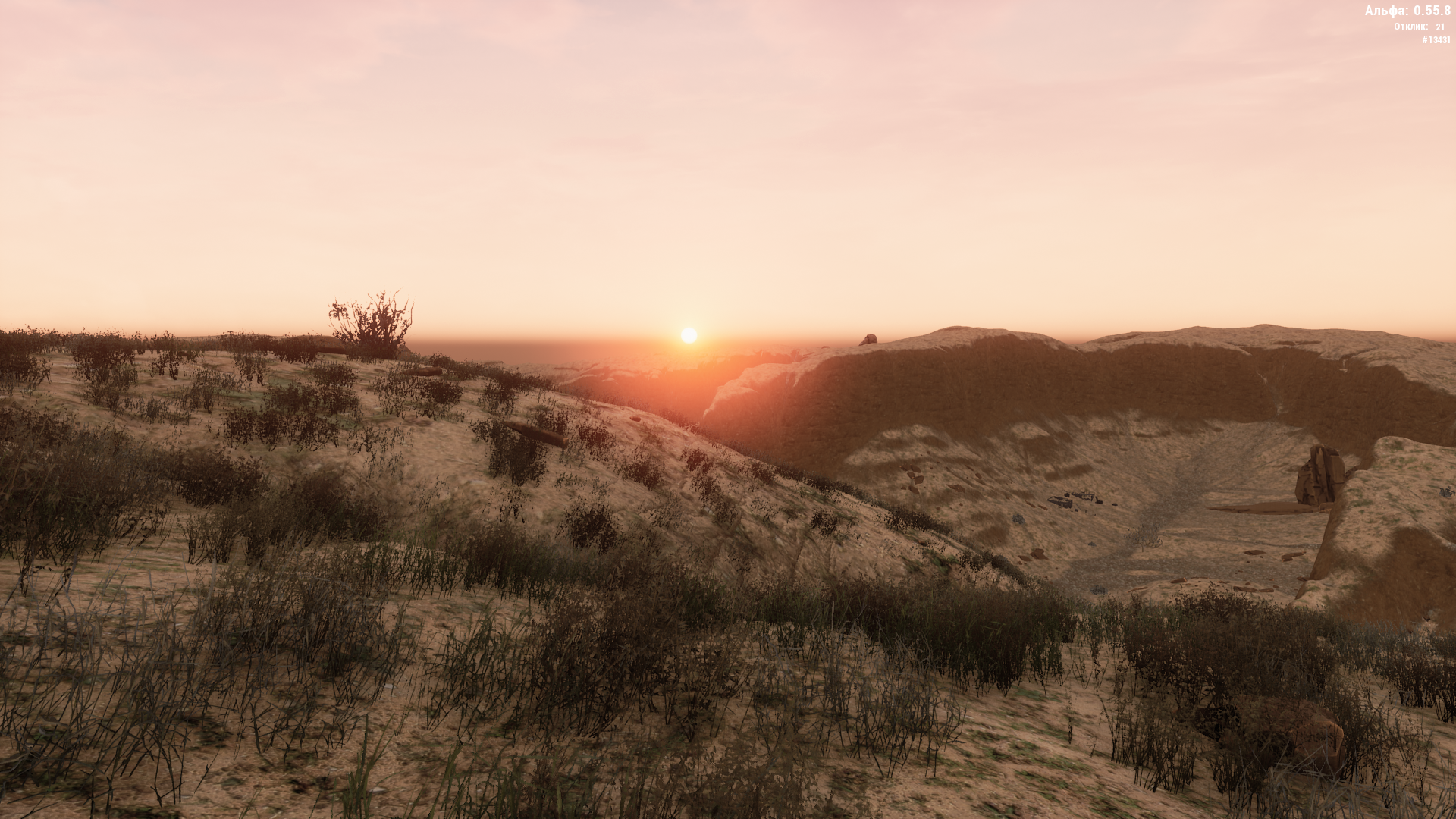
Canyon is the most popular location among faction players. It is accessible from level 20 and relevant up to level 35 (after that, staying there lacks special meaning due to the availability of other high-level locations). In the Canyon, you can complete a couple of story quests taken in the Tunnels. The location is popular due to a large number of mob spots, which bring a lot of experience and give an opportunity to earn money by selling their spare parts. There are also many places with useful loot here.
Canyon is considered a PvP location due to periodic wars between opposing factions for base capture. Being in this location is not very comfortable for neutrals, as they can be shot by both factions, preventing them from farming or completing quests. In addition, neutrals do not have access to the bases located in the Canyon, and they have to run to neighboring locations (Tunnels or Swamp), which takes a lot of time. Faction players, on the other hand, can buy and sell right in the Canyon at better prices than in other locations.
To get to the Canyon location, you can use the following transitions: From the Swamp location (2 transitions). From the Tunnels (3 “common” transitions and 2 “faction” transitions). The feature of faction transitions is that they are safe to use only for the attacking faction. The faction that owns the base in the Canyon, and neutrals, automatically die upon entering the safe zone / transitioning between locations and respawn at one of the transitions to the Swamp location. And from the “Testing Ground” location. There is also a technoport in the location, thanks to which you can get from other locations.
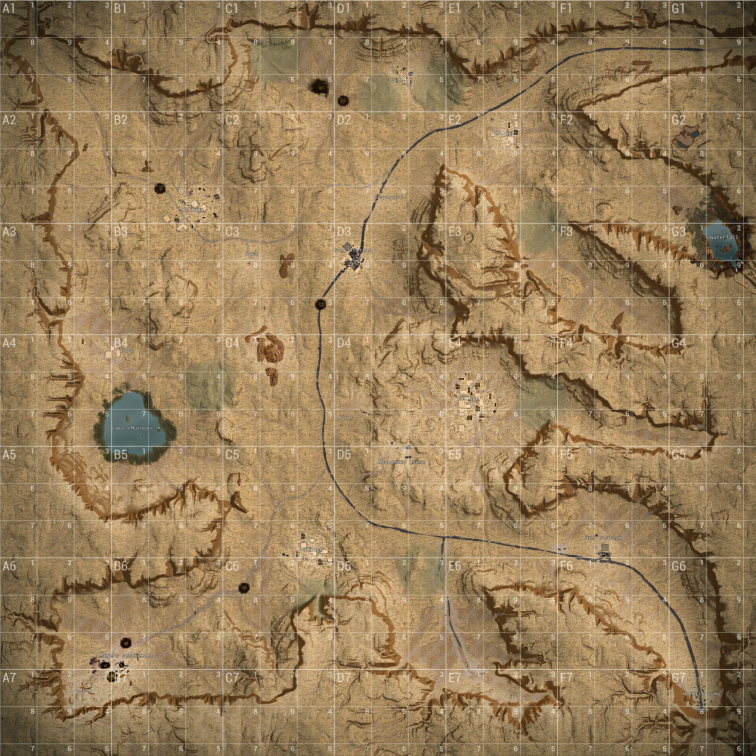
Canyon Map for PvE
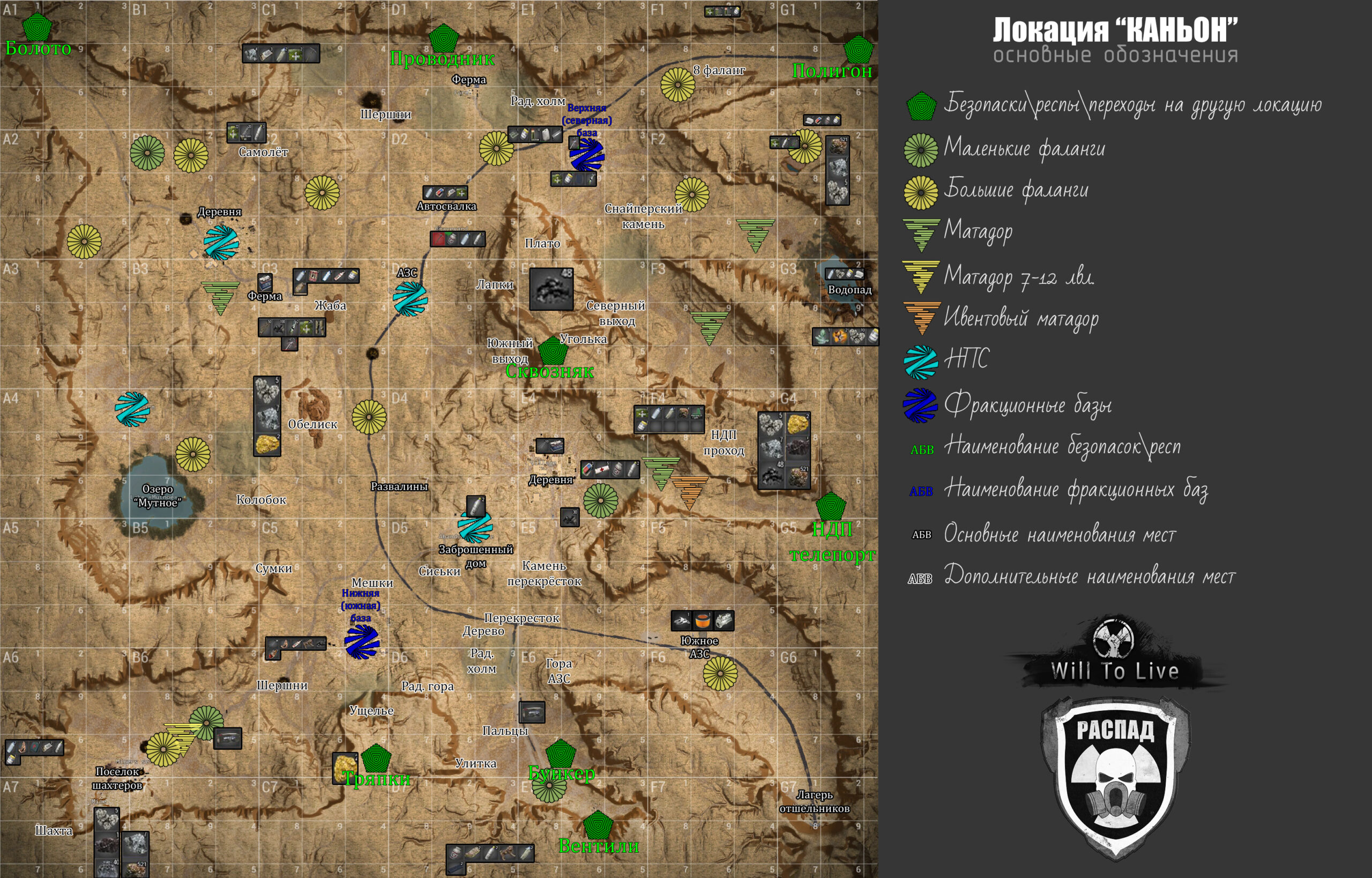
The following are indicated on this map:
- Safe zones / respawns / transitions to other locations;
- Main places for gathering all kinds of loot and mining ore;
- Main mob spawn spots (phalangists and matadors) for character leveling and farming;
- Zones with NPCs;
- Faction bases;
- Main landmarks for navigation on the ground.
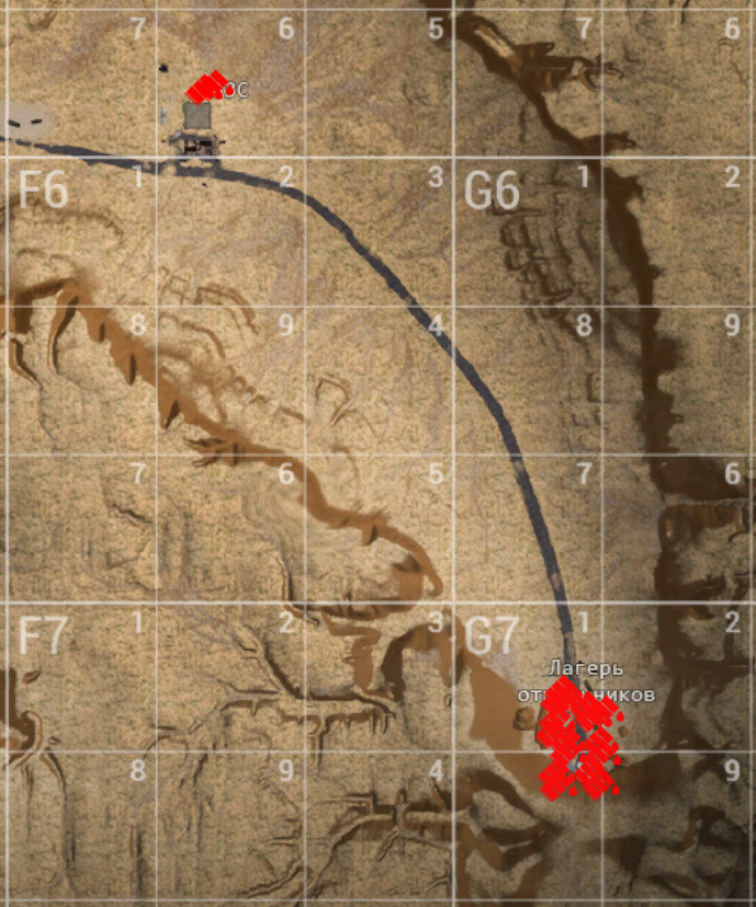
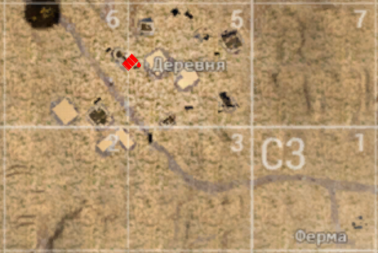
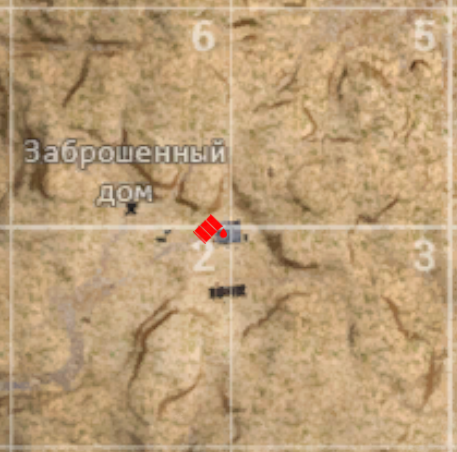
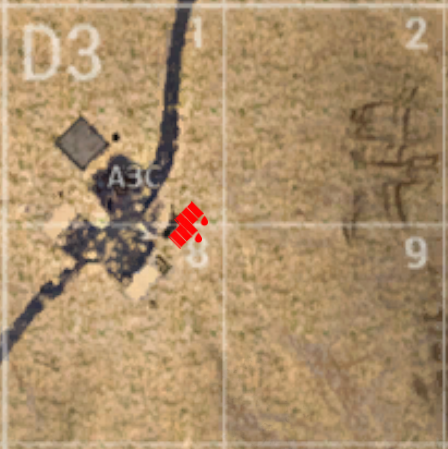
Below on the map, the location of gasoline barrels is marked (red markers).
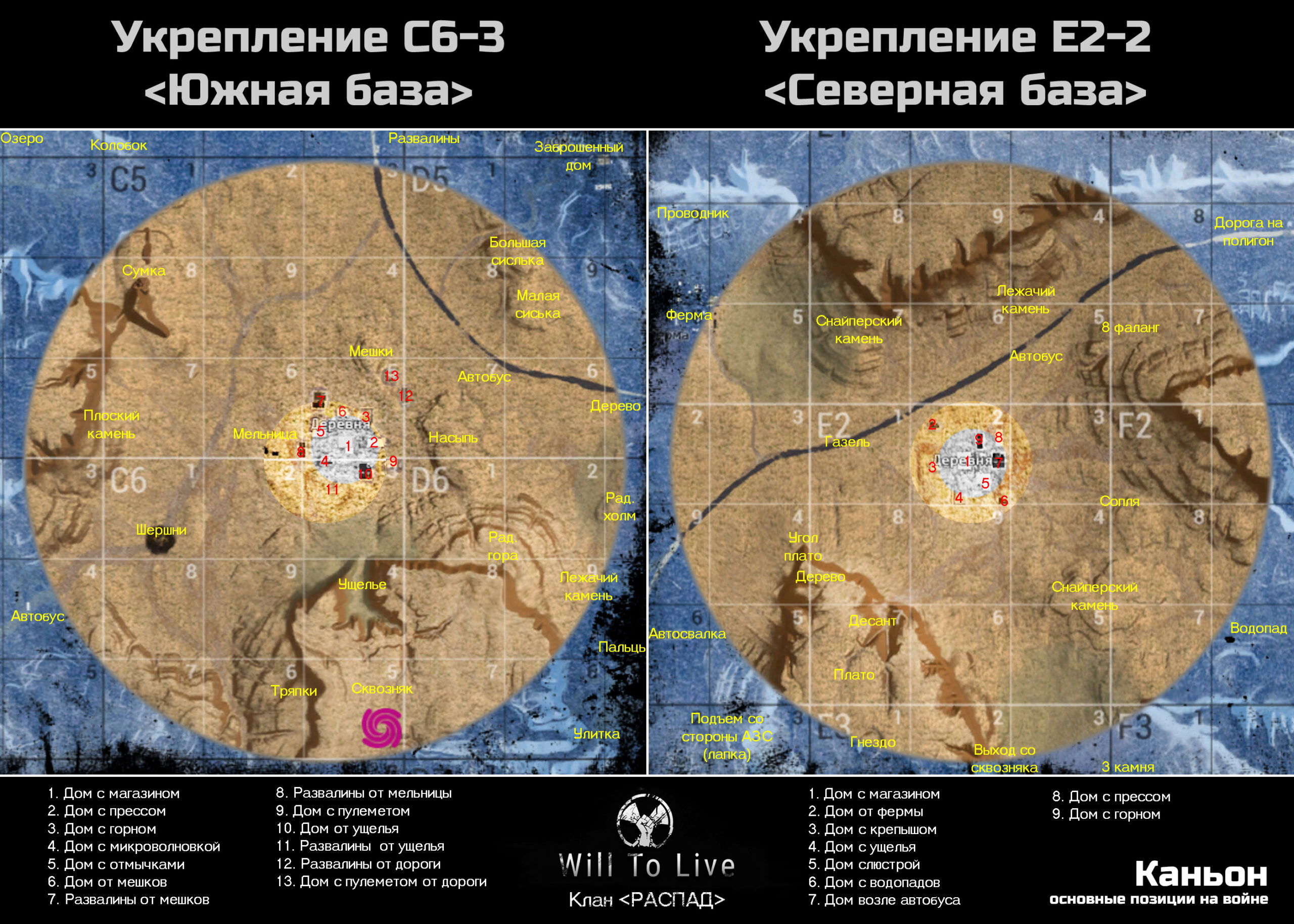
Canyon Map for PvP
The following are indicated on this map:
- Main names of the terrain for navigation during the war on the southern and northern bases;
- Main names of the buildings located directly on the faction base;
- Radius of the dome / safe zone on the faction base (small circle);
- Zone where the shield suppressor can be used (medium circle);
- War zone (large circle).
South and North Through-Passage
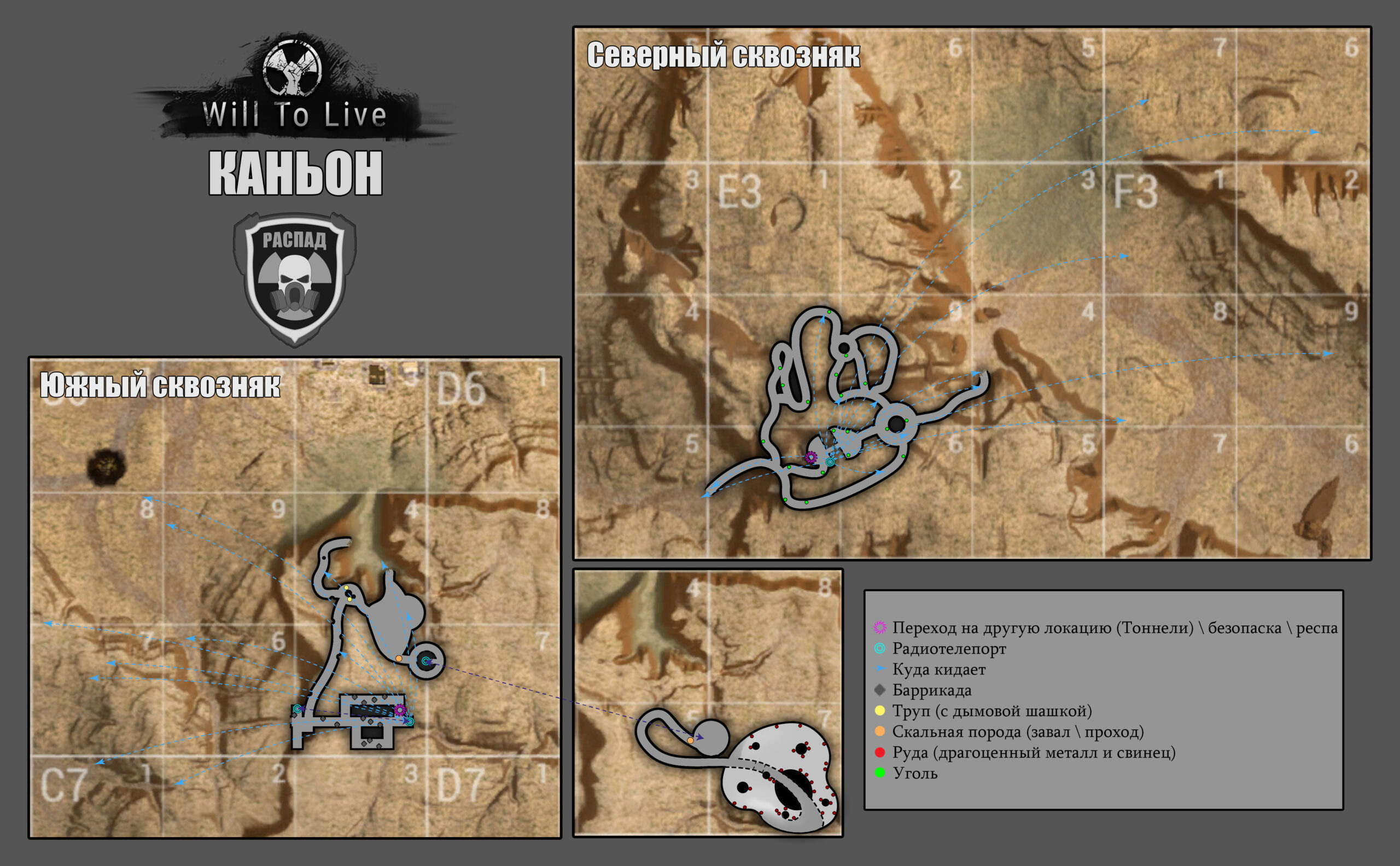
The following are indicated on this map:
- Transition to another location (Tunnels) / safe zone / respawn (on the southern one, the safe zone does NOT work for neutrals and players of the faction that owns the southern base. Upon entering the safe zone, players face death. Further respawn will be at the exit to the Swamp location);
- Radioteleport with the drop-off location;
- Barricades;
- Corpses with smoke grenades;
- Ore (rock, coal, lead, precious metal).
P.S.
- The map is relevant as of October 2022;
- The names of the points indicated on the map are not the ultimate truth (each individual server / faction and even clan has its own names). I would be grateful if, in the comments under this guide, you could specify how you usually call certain places;
- Mob and loot spawn spots are not complete (I indicated only the most popular points). Also, if you wish, you can supplement them in the comments;
- The zones indicated on the PvP map are approximate;
- The radius of the dome / safe zone on the faction base is the place where the defender can feel safe (provided that their reputation has not dropped below 55%) and attackers cannot enter there (until they break the dome);
- The zone where the shield suppressor can be used is the place where Engineers can set up their equipment and crash the safe zone during a base capture;
- War zone – a zone where killing enemies during a war awards additional faction points (the points will be credited immediately after the war ends).
*The process of creating this very map: https://youtu.be/AcdzgyU95mo

Ready-made map markers file (MapMarkers)
We have prepared an up-to-date file with the most important map markers. After installation, you will get ready-made marks for quest points, mob spawn locations, fuel collection points, transitions, radio teleports, artifacts, and other useful objects. We tried to fit as much information as possible within the available limit — 100 markers per location.
This file will be useful for beginners who want to get comfortable in the game faster, as well as for experienced players (especially those playing multiple characters) so they don't have to place all the markers manually.
Enjoy the game!